· Automation · 4 min read
Automate N8n Backups with Ansible: A Layered Protection Strategy
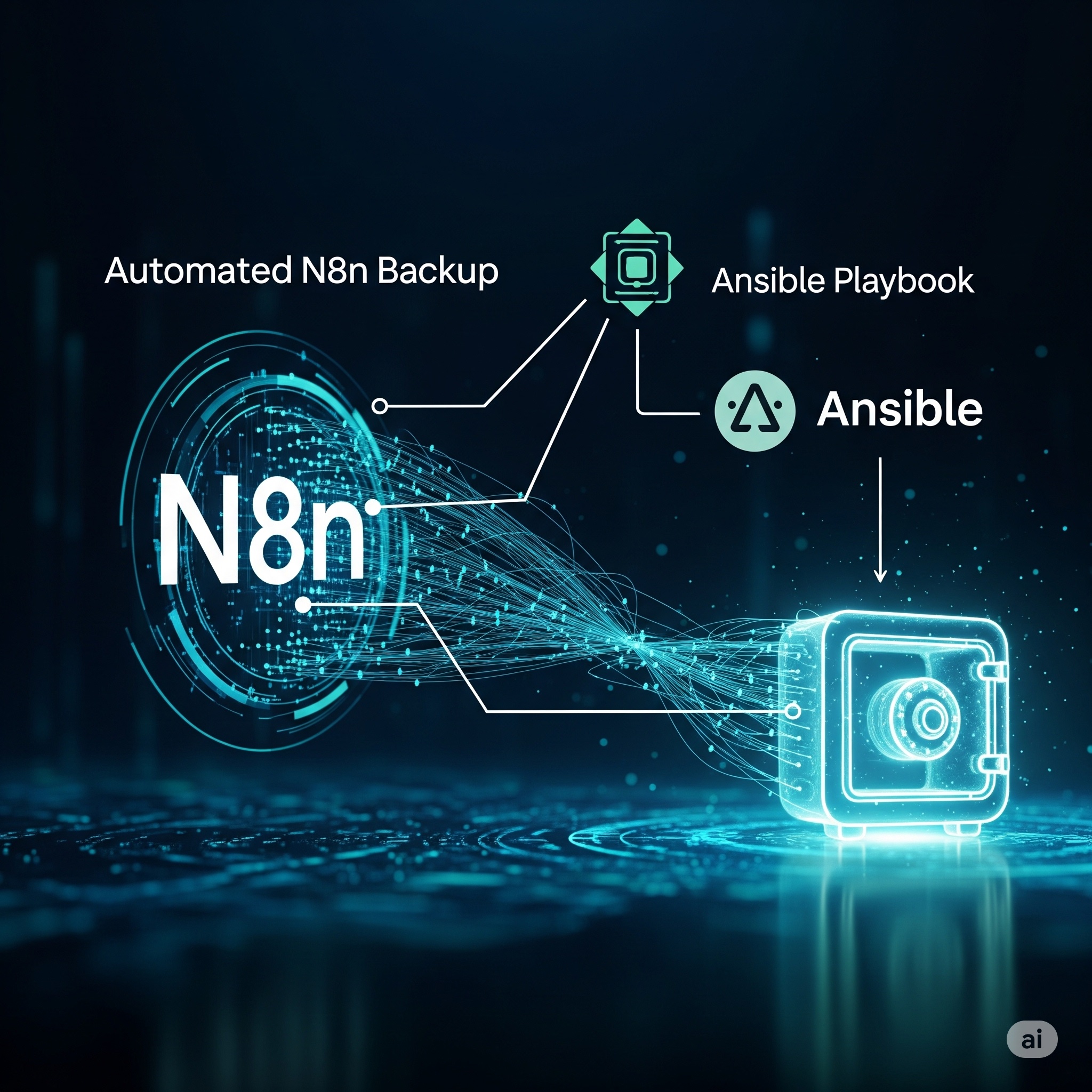
When N8N workflows corrupt during updates, internal backup workflows fail too. This Ansible playbook provides external backup protection to secure your Workflows and Credentials, supporting both Docker and NPM installations with automated retention.
Don’t Put All Your Eggs in One Basket
Picture this: You’ve spent months building complex automation workflows in N8N, connecting dozens of services, fine-tuning triggers, and perfecting your business processes. You even built a sophisticated N8N workflow to create backups automatically. Then disaster strikes—a server crash, corrupted database, or failed upgrade wipes out everything.
This happened to me during automated N8N updates. The backup workflow itself got corrupted, taking all the backups with it. Recovery took much longer because there was no external protection layer—a classic case of the backup system failing along with what it was supposed to protect.
Simple External Backup Solution
I created an Ansible playbook that runs completely outside N8N to provide an independent backup layer. Available at bgx4k3p/ansible-playbooks, it handles the essentials:
- External execution - runs independently of N8N status
- Docker and NPM support - works with both installation types
- Credential options - encrypted or decrypted exports
- Automatic cleanup - keeps last 10 backups by default
- Restore documentation - generates recovery instructions
What the Playbook Does
The playbook is straightforward:
- Creates timestamped backup directories for organization
- Exports credentials and workflows using N8N’s native export commands
- Handles Docker containers by executing commands inside containers and copying files out
- Supports NPM installations with direct filesystem access
- Generates restore instructions specific to each backup
- Cleans up old backups to prevent storage bloat
Key Configuration Options
# Basic settings
n8n_installation_type: 'docker' # or "npm"
n8n_container_name: 'n8n' # Docker container name
backup_dir: '/opt/n8n-backups' # Where to store backups
decrypted_backup: false # Export encrypted or decrypted credentials
Example Usage
# Simple execution
ansible-playbook n8n-backup.yaml -i inventory -e "target_hosts=n8n-servers"

# With custom settings
ansible-playbook n8n-backup.yaml \
  -e "installation_type=docker" \
  -e "container_name=my-n8n" \
  -e "backup_location=/backups/n8n"
Docker vs NPM Handling
Docker installations: The playbook executes export commands inside the container, then copies files to the host filesystem for external storage.
NPM installations: Direct filesystem access allows the playbook to run export commands and store results immediately.
Both methods produce identical backup structures with credentials and workflows in separate directories.
Backup Structure
Each backup creates this structure:
backup-20250728/
├── credentials/     # N8N credential exports
├── workflows/       # N8N workflow exports
└── README.txt       # Restore instructions
The README.txt contains specific restore commands for each backup, making recovery straightforward even under pressure.
Integration Options
Standalone: Run manually or via cron for scheduled backups AWX/Tower: Create job templates with surveys for self-service operations CI/CD: Integrate into deployment pipelines for pre-update protection
A Layered Approach
This isn’t meant to replace your existing backup strategy—it’s an additional protection layer. Use it alongside:
- Internal N8N workflows for routine operations
- Database backups for full system recovery
- Configuration management for environment reconstruction
The key principle: never rely solely on a system to backup itself. External tools provide protection when internal systems fail.
Test Your Backups—Lessons Learned the Hard Way
Here’s something I learned the hard way: backups are only as good as your ability to restore from them. I discovered during an actual disaster that weeks of “successful” backups were corrupted and unusable. The backup process was running without errors, but the exported files were incomplete.
Now I regularly test restoration in a separate N8N instance:
# Test restore process monthly
ansible-playbook n8n-backup.yaml -e "target_hosts=test-server"
# Then manually verify workflows and credentials imported correctly
Schedule regular restore tests to catch corruption before you need the backups. A monthly test that takes 15 minutes can save you weeks of reconstruction work.
Conclusion
N8N workflows are valuable business assets that deserve proper protection. This Ansible playbook offers a simple, external backup option that operates independently of N8N’s status.
Whether you use it as your primary backup method or as an additional safety layer, external protection ensures your automation investments survive system failures and corrupted updates.
Get the playbook: GitHub - n8n-backup.yaml
Start with external backups. Your future self will thank you when disaster strikes and your protection wasn’t dependent on the system it was protecting.